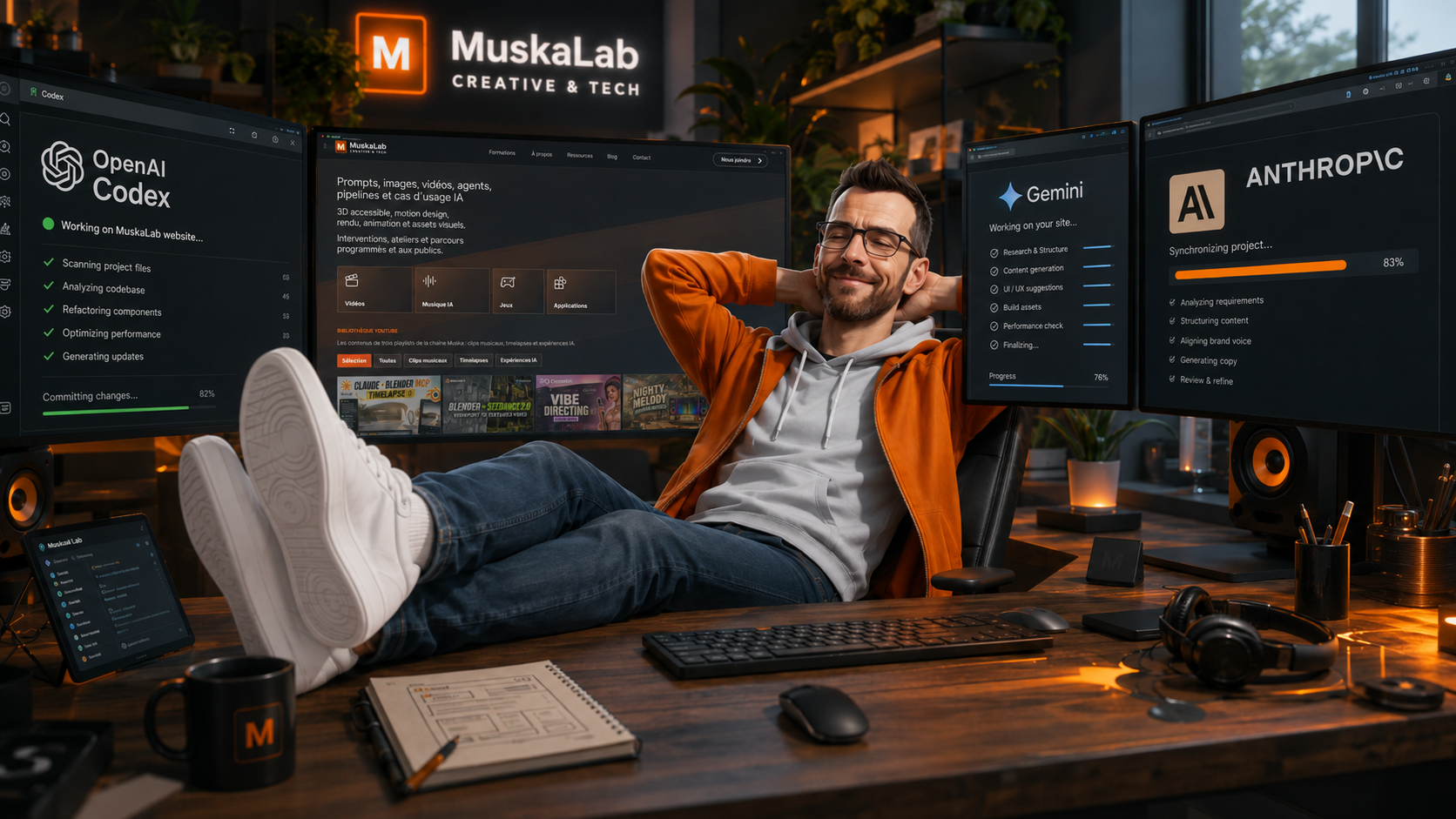
The original idea was fairly simple: I finally wanted to build a website that would bring together a little of everything I do – my training courses, YouTube videos, experiments with Blender, artificial intelligence, design and vibe coding, as well as the small applications and video games I have created during classes or simply to test an idea.
The point was not really to find out whether it was possible to build a website with AI. I have known that it is for at least two years, and by now there are enough examples that the question is no longer particularly interesting. What I really wanted to know was how quickly I could do it, how smooth the process would be and, above all, how far I could push my ideas without having the technical skills of a web developer.
I knew Codex would be able to generate pages, organize content and produce something functional. What I expected, however, was to spend far more time explaining what I wanted, especially when it came to the visual design, animations, transitions and some of the more specific details of the art direction I had in mind.
In the end, that is probably what surprised me most. Not the fact that Codex could build the website, but how easily I was able to build it with Codex.
Building the website without really coding
I am used to working with design, images, composition, 3D and art direction, but I am not a web developer. I can have a fairly precise idea of what I want to see on screen without necessarily knowing how to translate it properly into HTML, CSS or JavaScript.
With Codex, that technical layer almost became secondary.
I could explain what I wanted in my own words: change the size of an element, make an animation smoother, move a section, alter the way a page appeared, or simply rework a detail because something did not feel right visually.
Some requests were precise, while others were much less so, and yet Codex usually understood the direction I wanted to take. When the result was not quite right, I asked it to try again, simplify things or explore another direction. We moved forward that way, one adjustment at a time.
It is difficult to sum up the experience by simply saying that AI generates code. In practice, it felt much more like working with someone to whom I was explaining my ideas than using a tool that I was asking to produce lines of programming.
The website came together very quickly, with a home page and separate areas for training courses, videos, applications, games, the blog and everything else I wanted to present.
I honestly thought some details would take several hours, or that I would have to give up on certain ideas because they would be too complicated to implement. In reality, most of them were integrated quite easily.
The complete website was built in just a few hours, which was considerably faster than I had imagined at the start.
Connecting everything to OVH
There was still one part that was a little less seamless: connecting the site to the hosting service.
I use OVH, and I had to find the right information, understand which credentials to use, check the settings, connect the GitHub repository and make sure that everything could communicate correctly.
That took about an hour, with a few attempts, a few mistakes and that very familiar moment when you wonder whether the problem comes from the username, the password, the server, the port, or simply the fact that you are looking in the wrong menu.
Codex guided me throughout that stage. It told me which information it needed, where I was likely to find it in the OVH interface and how to use it.
Once the configuration was complete, everything became surprisingly straightforward.
Codex could handle the initial deployment and all the updates that followed. Now, whenever I edit a page, add content or fix a detail, it can send the new version of the site online directly.
That is probably the part that impressed me most.
After the hour or so needed to configure OVH access, deployment became completely transparent. There were no recurring bugs, no errors with every update and no complicated procedure to repeat. Everything is fast, fluid and simply works.
That was the moment when I realized I was not merely building a collection of web pages, but a real website that I would be able to keep developing very easily.
At first, I simply wanted to include my existing applications
I had already created a number of small applications and a few video games through vibe coding, mainly during my classes or to demonstrate what could be achieved with current AI tools.
My initial plan was simply to add them to the website.
I wanted one section for applications, another for games, and I planned to use the existing projects as examples.
They had been made at different times, with different tools and without a shared visual direction, but that was not necessarily a problem. They worked, they demonstrated ideas and they could already be used as teaching material.
Then I saw how quickly the website was taking shape.
I thought that if I could build the entire site in so little time, I could probably afford to revisit the applications and games and adapt them completely to its art direction.
Something that would previously have represented a considerable amount of work suddenly became much more reasonable. Instead of embedding projects that looked entirely different from one another, I could recreate their interfaces, harmonize the colors, typography, buttons and animations, and make everything feel as if it genuinely belonged to the same world.
It also gave me an opportunity to revisit ideas I had already used in class, test new ones and see what the latest models were capable of producing.
Rebuilding the applications with Gemini, GLM 5.2 and CoWork
I used several tools to rebuild or develop the applications and games, including Gemini, GLM 5.2 and Anthropic’s CoWork.
The goal was not necessarily to run a highly methodical comparison between the models. I mainly wanted to test their ability to turn an idea into a usable application while respecting an established art direction.
It was also a way to see how each model responded to fairly similar requests: how it structured an interface, handled interactions and design, and dealt with small visual details or features that seemed simple at first but sometimes required several rounds of adjustment.
There was another important difference compared with my earlier experiments. This time, the applications were not being created independently from one another. They had to work on their own, of course, but they also had to fit properly into the website.
That meant maintaining a degree of visual consistency across projects that were sometimes very different, without making them all feel identical.
This is where the human role remains very important.
The models can produce a first proposal extremely quickly, and sometimes one that is already quite convincing. But someone still has to decide whether the interface is readable, whether the visual choices are coherent, whether the experience is enjoyable and whether the result truly matches the original intention.
In my case, AI mainly allowed me to execute ideas much faster. The art direction, corrections, trade-offs and decisions about how everything should work were still driven by what I wanted to achieve.
A professional showcase and a teaching resource
The website is, of course, intended to present my work, courses and services to schools, training organizations, companies and agencies looking for a trainer in Blender, artificial intelligence, design or digital creation.
It also brings together my content, videos and various projects, which had previously been scattered across different platforms.
But it is also designed to become a teaching resource.
The applications and video games will allow me to demonstrate directly during classes what can be created with current tools. I will be able to introduce an idea, explain how it was developed, show the different stages, compare results and, most importantly, let learners try the projects themselves.
The website itself also becomes a useful example.
I can demonstrate that it is now possible to start from scratch and create a relatively complex website – including its design, content, animations and deployment – in just a few hours, even without being a web developer.
That does not mean everything happens automatically, or that writing a single sentence instantly produces a professional website.
You still need to know what you want to communicate, organize the information, assess the result, correct what does not work and have a reasonably clear idea of the experience you want to create.
In my case, my background in design and art direction obviously helped, even though I did not have the technical skills required to build the website in the traditional way.
AI did not decide what the website should be. It mainly enabled me to make it happen much faster and much more easily.
What this changes for web design
This experience naturally raises questions about how the role of the web designer will evolve, although it would be wise not to jump to conclusions too quickly.
For now, the skills of a web designer still bring real value.
Building a professional website is not simply a matter of producing an attractive interface. You have to think about navigation, usability, information architecture, the target audience, performance, search engine optimization, accessibility and the project’s commercial goals.
Someone using Codex to build a first website will not necessarily think about all those things. They may focus on what they can see without fully understanding the issues that can exist behind the interface.
An experienced web designer has that broader culture and the ability to analyze a need as a whole.
They will, however, probably be able to work much faster.
When I say that a web designer could work ten times faster, that is obviously a simplification, but it helps illustrate the general direction. A large part of the time previously spent on technical production can now be used to test more ideas, propose several versions, make corrections more quickly or devote more time to thinking through the project.
This will inevitably change the services designers offer and the way they work.
A web designer may be able to produce more, but they may also need to find more clients, rethink their pricing, offer different services or focus more strongly on consulting, strategy, user experience and art direction.
The same tools can help them prepare proposals, create content, automate part of their communication or make prospecting easier, so the transformation is not limited to website production.
Over the longer term, the question remains open.
It is fairly easy to imagine a tool such as CoWork taking responsibility for an increasingly large part of the process: analyzing a brief, proposing a visual direction, building the website, publishing it, analyzing the results and making corrections.
Today, there are still things users have to think about for themselves, particularly strategy, the target audience and the overall consistency of an offer.
That may change very quickly, however, and it would be a little naive to assume that the tools will simply remain at their current level.
For now, I mainly see AI as a way to carry out projects that I probably would not have undertaken alone, or that would otherwise have required far too much time.
With this website, I already knew that building it with AI was possible. What I had not anticipated was just how fast, fluid and genuinely enjoyable the whole process would be.
I expected to struggle more with the technical side, abandon certain ideas or settle for a much more generic result. Instead, I was able to create the website I had in mind, rebuild my applications to match its art direction, automate deployment and turn the whole thing into both a professional tool and a teaching resource.
So this was never really an experiment designed to prove that AI could build a website.
It was simply me building my website, with tools that made the process much easier than I had imagined.